About
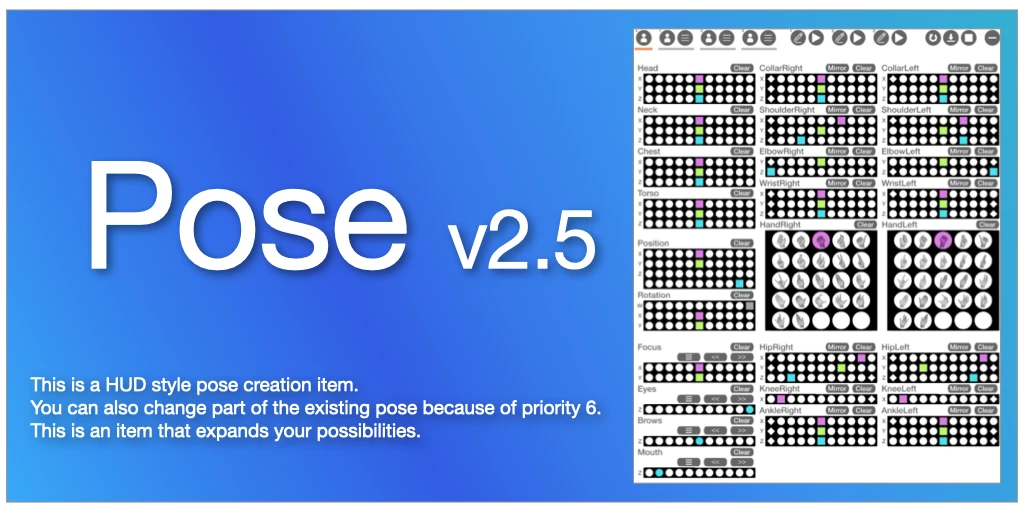
This item was created with the goal of creating poses easily in Second Life. Combine poses for each body part to build an overall pose intuitively.
Since a pose with a priority of 6 is applied to each part, it is possible to override and adjust some of the existing poses.
Poses can be converted into a string called a code. By sharing it on SNS and other platforms, you can reproduce poses created by other users. You can also quickly call poses by writing the code on the memo card included in the "hitoshina_pose_selector".
The ultimate goal of "Hitoshina - Pose" is to eliminate pose errors caused by differences in body and shape, so that everyone can achieve beautiful poses.
This item contains a large amount of content and may not be able to be equipped if other items containing a large amount of content are equipped. Please be sure to use the DEMO before purchasing.
Where to Buy
Operation Video
Pose Examples
Examples of pose code sharing can be found in the diary below.
Evolution from Pose to Pose 2
History
Born from the desire to create a system for moving avatars freely, Hitoshina - Pose released its first version on 2023.2.18. Since then, its UI evolved from dialogs to a HUD for better usability, added support for Maitreya Lala, Legacy(f), and Reborn body types for beautiful hand poses, and ultimately grew to allow controlling multiple users with a single HUD.
Background
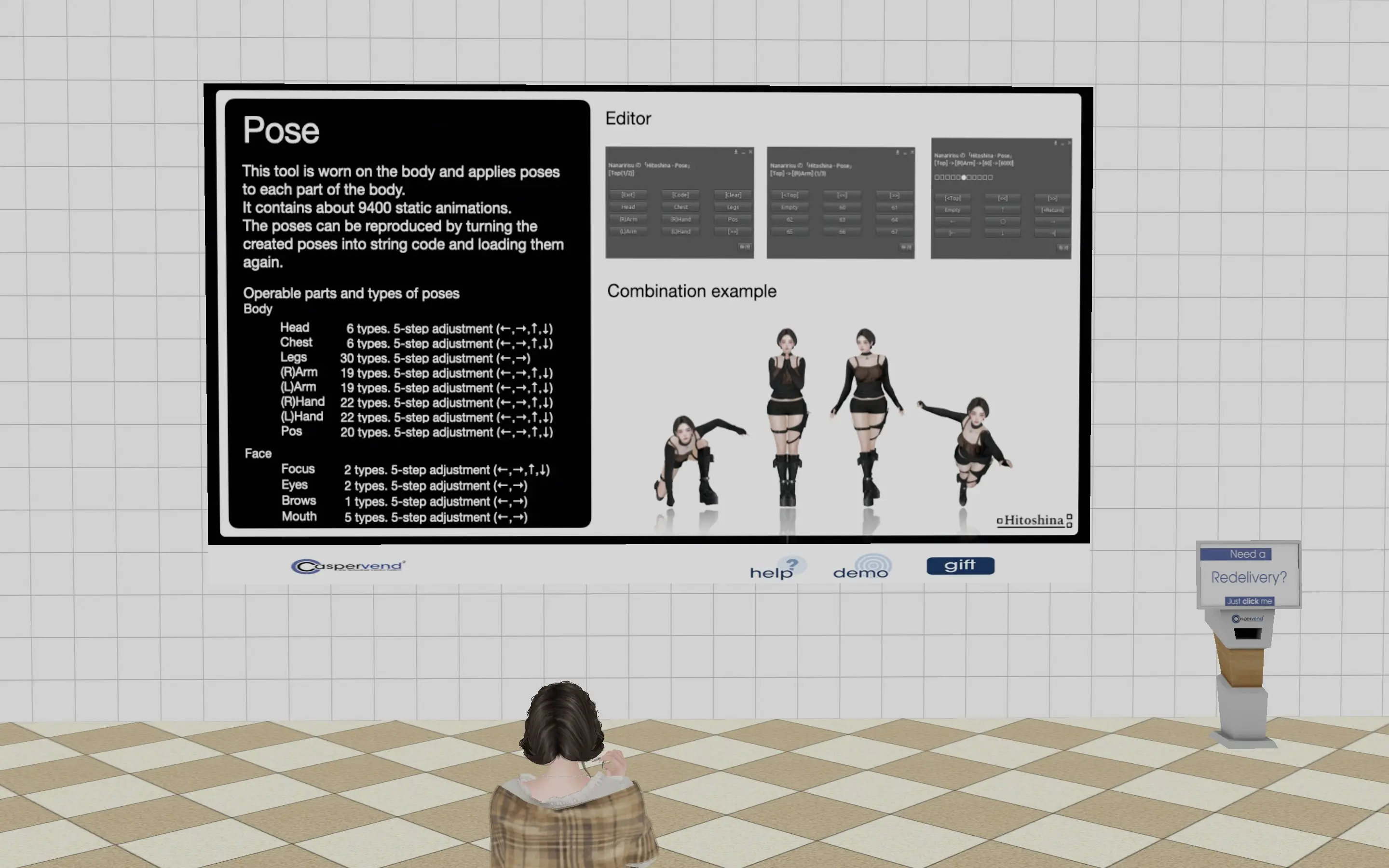
To achieve the goal of creating poses in-world, Hitoshina - Pose works by combining preset poses for each body part to form an overall pose. While this lets you generate ideas by trying different part poses even without a specific pose in mind, it also had the limitation of not being able to create poses outside of the provided options.
Part Division
To resolve this limitation, we developed a method of combining poses for each individual body part to form a complete pose, splitting more parts to allow freer movement. Since Second Life limits simultaneous animation playback to 30, not all parts were split — limbs and fingers are grouped to keep the total simultaneous animation count at 26.
| v1.x | v2.0 | |
|---|---|---|
| Body | Head | Head, Neck |
| Chest | Chest, Torso | |
| Legs | HipRight, KneeRight, AnkleRight, HipLeft, KneeLeft, AnkleLeft | |
| (R)Arm | CollarRight, ShoulderRight, ElbowRight | |
| (L)Arm | CollarLeft, ShoulderLeft, ElbowLeft | |
| (R)Hand | WristRight, HandRight | |
| (L)Hand | WristLeft, HandLeft | |
| Pos | Pos, Rot | |
| Face | Focus | Focus |
| Brows | Brows | |
| Eyes | Eyes | |
| Mouth | Mouth |
Adjusting Parts
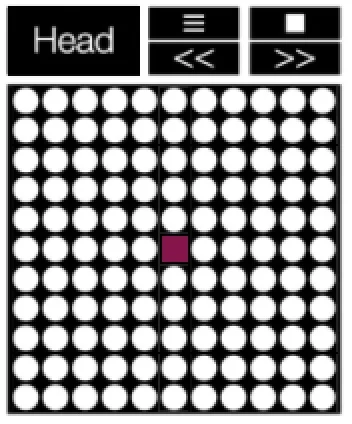
Even as the number of operable parts grew from 12 to 26, the HUD size stays the same and every part is directly accessible without opening menus. This was achieved by switching from the up/down/left/right adjustment shown in fig. 3 to the XYZ axis control in fig. 4, enabling more compact and precise operation.
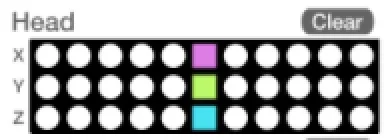
XYZ Axes
XYZ axis controls work the same way as rotating XYZ axes in Blender. For example, adjusting the Head's X axis (red) tilts the head up or down as shown in fig. 5. The Y axis (green) turns the head left or right, and the Z axis (blue) tilts the head sideways.
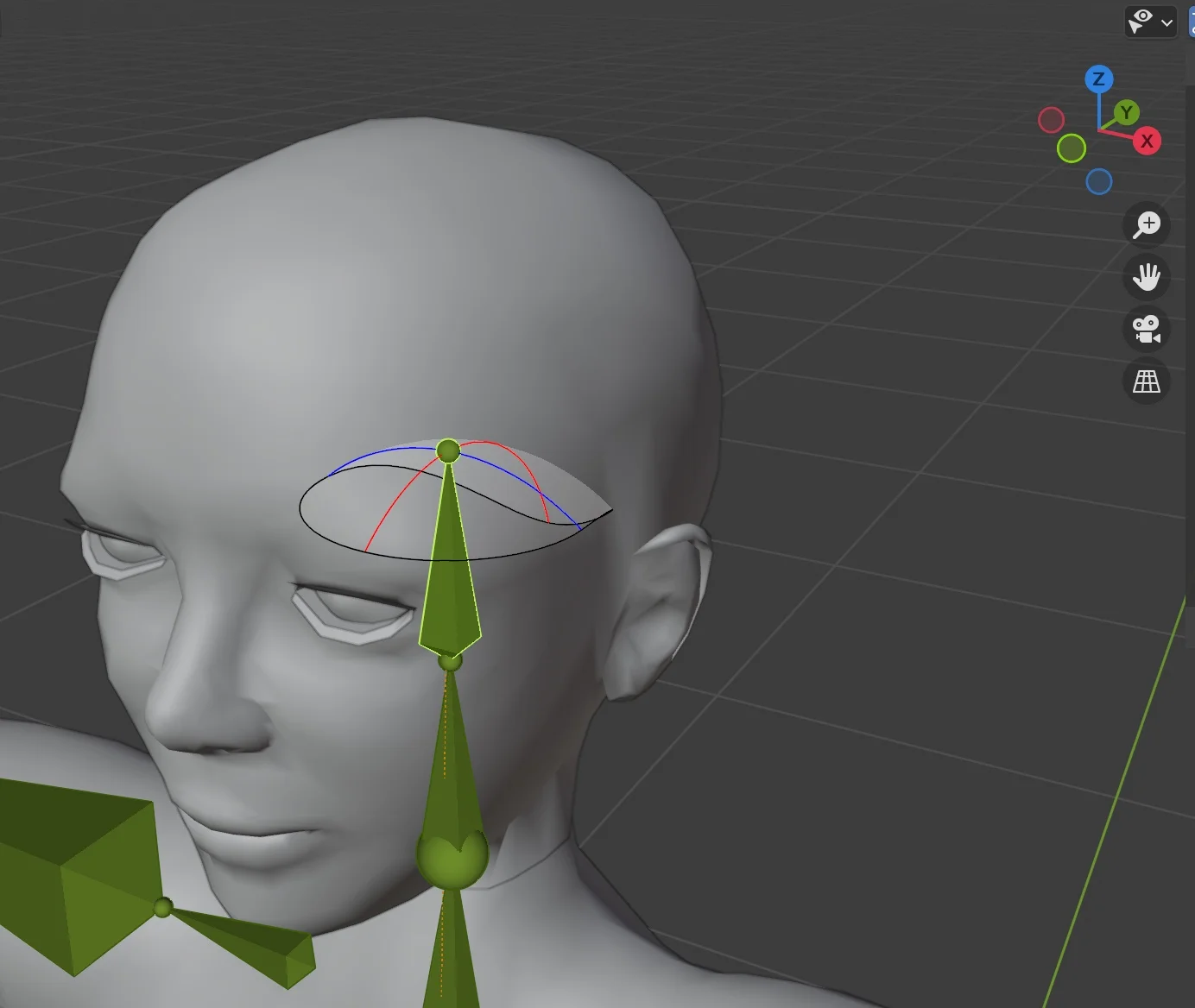
Axis Steps
Each axis supports 11 steps of adjustment. Originally designed for 21 steps for finer expression, it was discovered that Second Life limits the total content count per equipped item to 29,999, resulting in 11 steps instead. This keeps Hitoshina - Pose 2's content count to approximately 23,500, leaving room for about 60,000 more items from other equipped attachments. The 11 steps per XYZ axis yields 11×11×11=1,331 pose combinations — fewer than originally planned, but still offering much finer control than before.